
The FORM application provides you with 14 question types to collect critical data.
This page describes the meaning and purpose of each question type available. Click on each question type name to read a more detailed description.
|
Question Type |
Example |
Question types allows you and your respondents: |
|
|

|
use this question if you want to write introductions or give additional headings to blocks of questions in your form. |
|
|
|
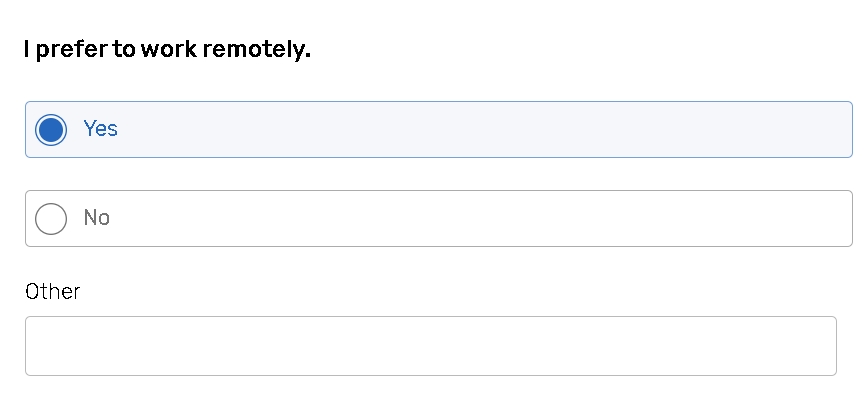
to choose from several answer options, for example 'yes/no' answers. The option 'Other' allows respondents to add their own answer option in case none of the predefined answer options suits. |
|
|

|
to choose one answer from several, and comment on their choice. |
|
|
|
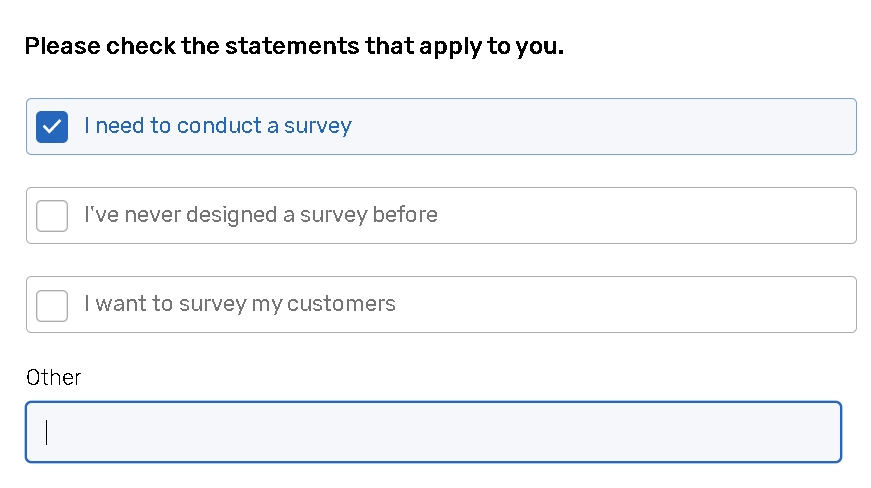
to choose from the list of answer options as many answers as they want. |
|
|

|
to choose one answer option from the dropdown menu of answer choices (a list of countries, languages, etc.) |
|
|
|
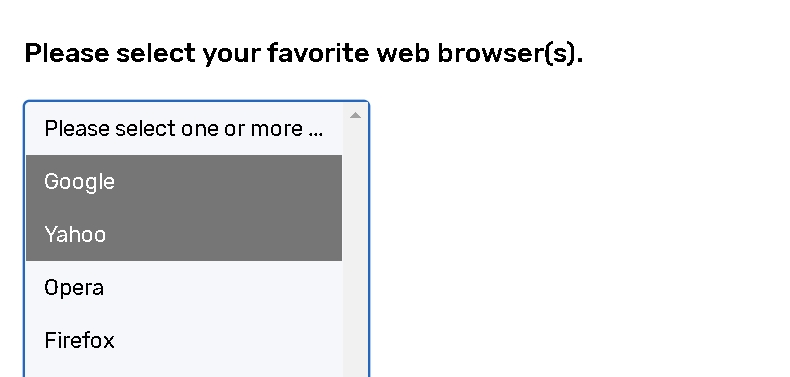
to choose one or several answer options from a list |
|
|
|
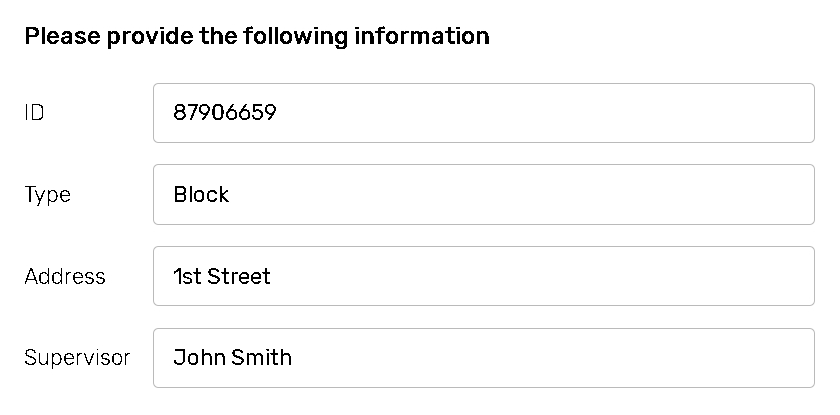
to enter several individual lines of text which will correspond to question parts. |
|
|

|
to comment on something in their own words. |
|
|

|
to leave feedback on different statements or evaluate different products, features, or services. |
|
|
|
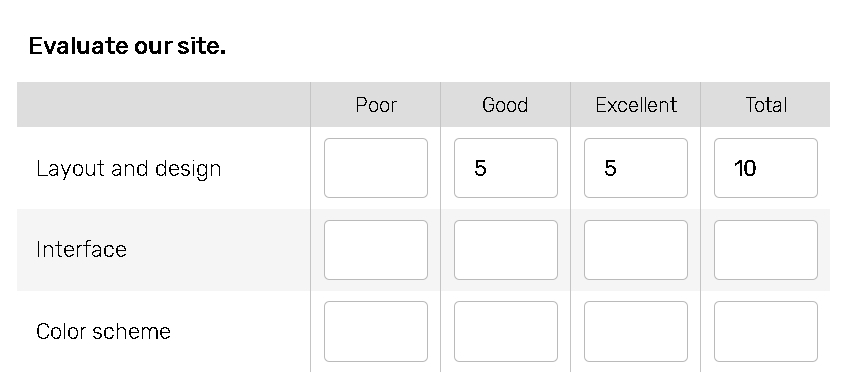
to get feedback on a number of different attributes associated with a product or service at the same time. |
|
|
|
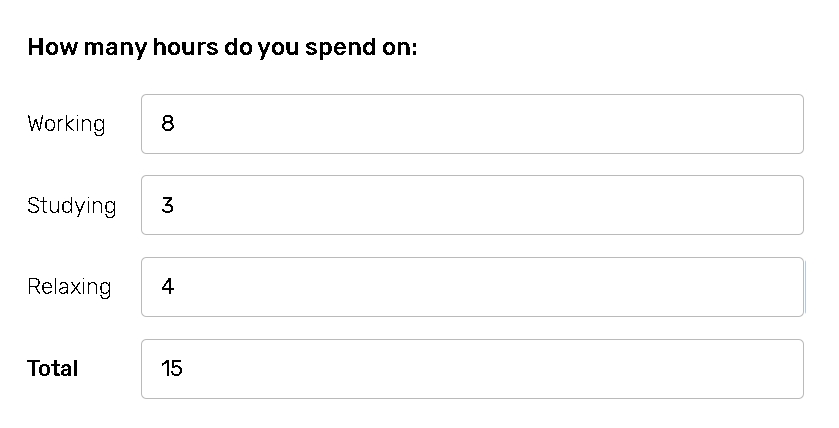
to control total sum of values entered by respondents. |
|
|
|
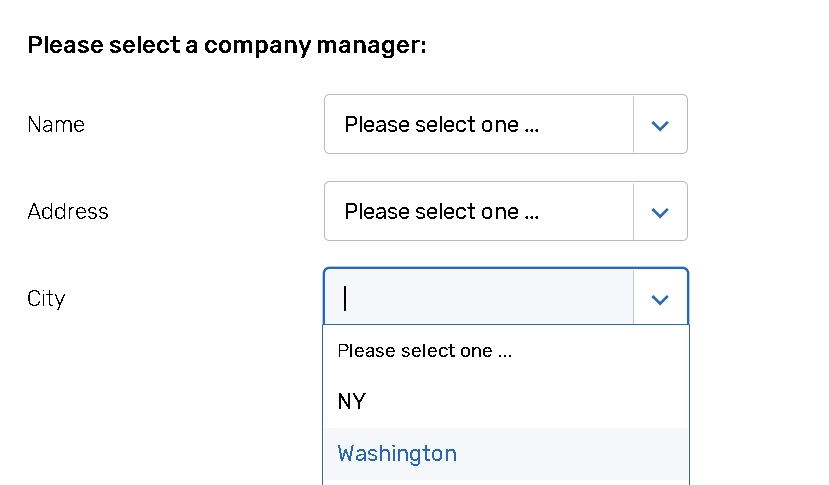
allows you to use Data Models or Contact Managers as a database and provide respondents with an option to select one record from them as an answer to your question. |
|
|
|
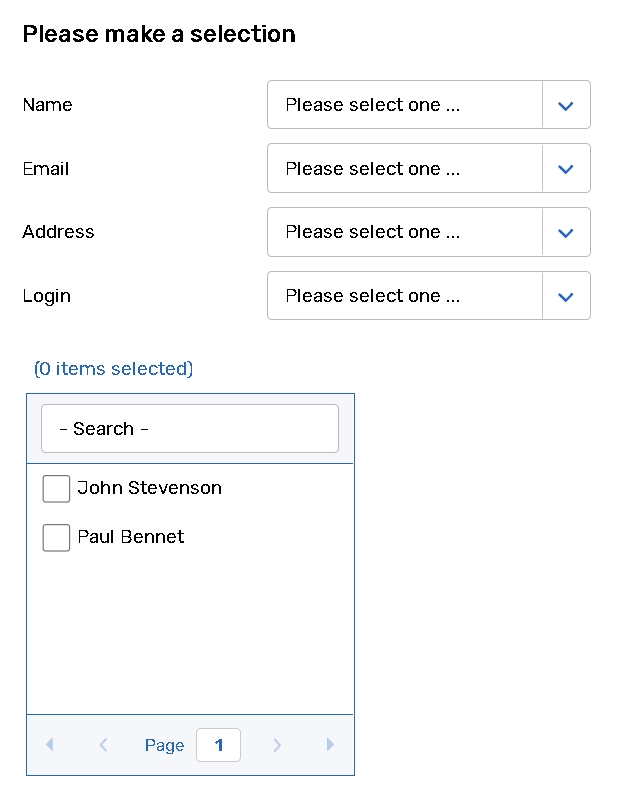
to select one or multiple objects from the list by specifying other parameter details in a dropdown (or multiple dropdowns) if needed. |
|
|

|
to upload files for an answer. |
|
Compare One Against Another (deprecated in Form builder) |

|
to find out which item is most preferred by your respondent. |